Web Screens Reference
Every route in apps/web, what it shows, and who can reach it. For how they connect, use the interactive Screen Flow Map.
Roles: owner > manager > supervisor > employee > volunteer > customer. "Min role" is the nav/UX gate; the backend re-enforces every action independently.
Public & auth
| Route | Purpose | Access |
|---|---|---|
/ | Redirector — /accounts if a session token exists, else /login | public |
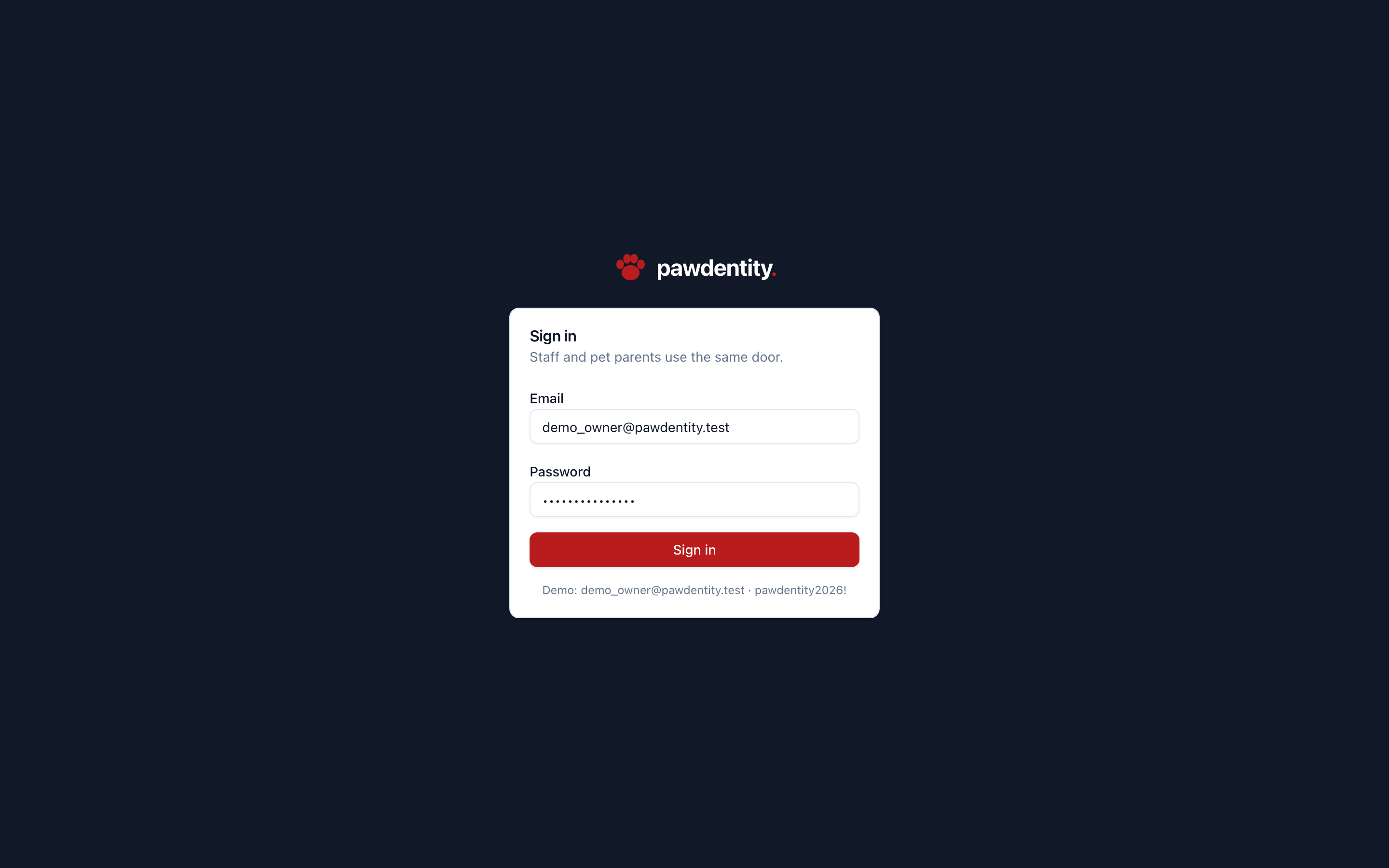
/login | Email/password sign-in; the shared door for staff and pet parents | public |
/accounts | Account picker — the user's orgs with role badges; choosing one enters the staff app | authed |
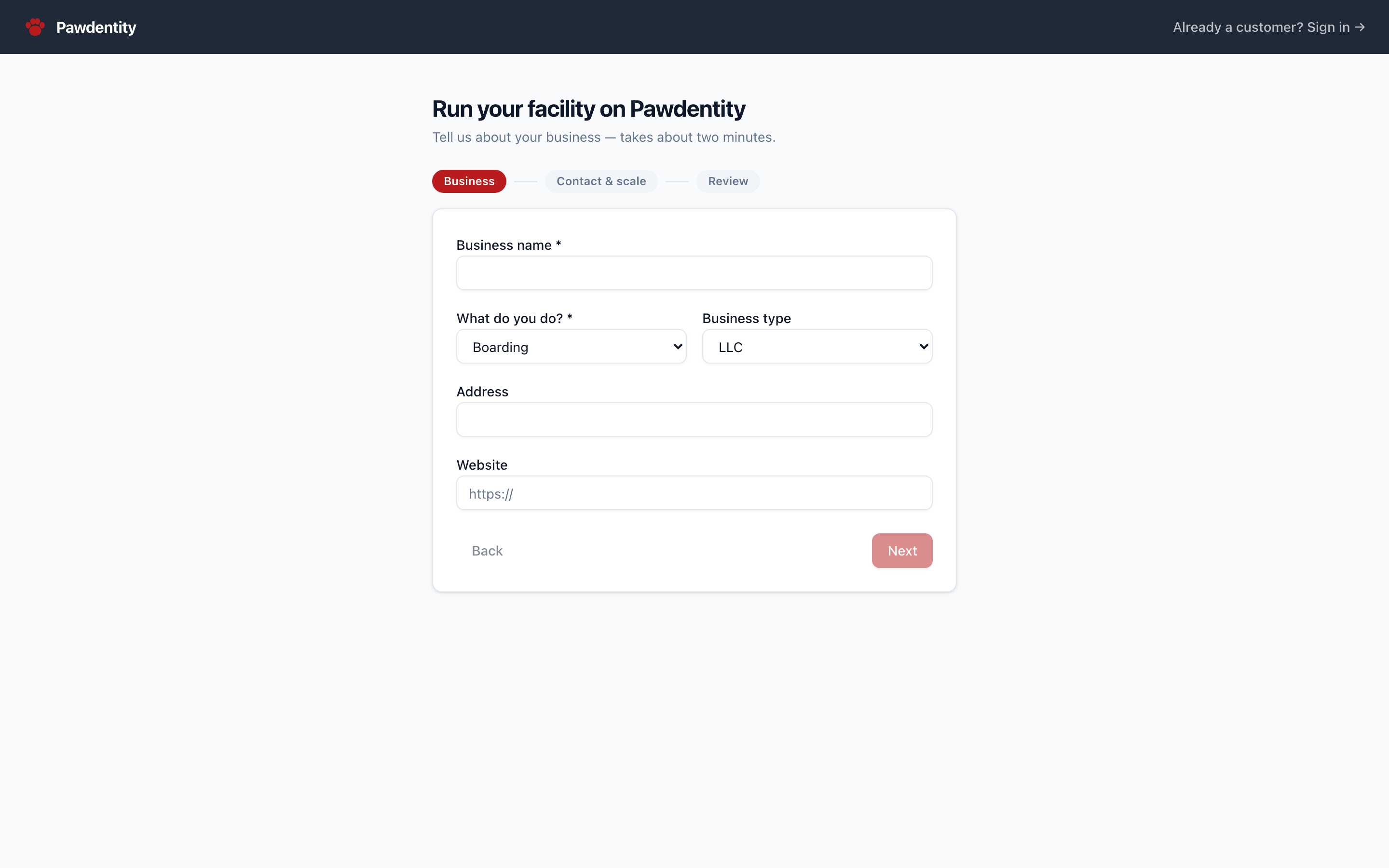
/apply | Public 3-step tenant application wizard (business → contact & scale → review) | public |
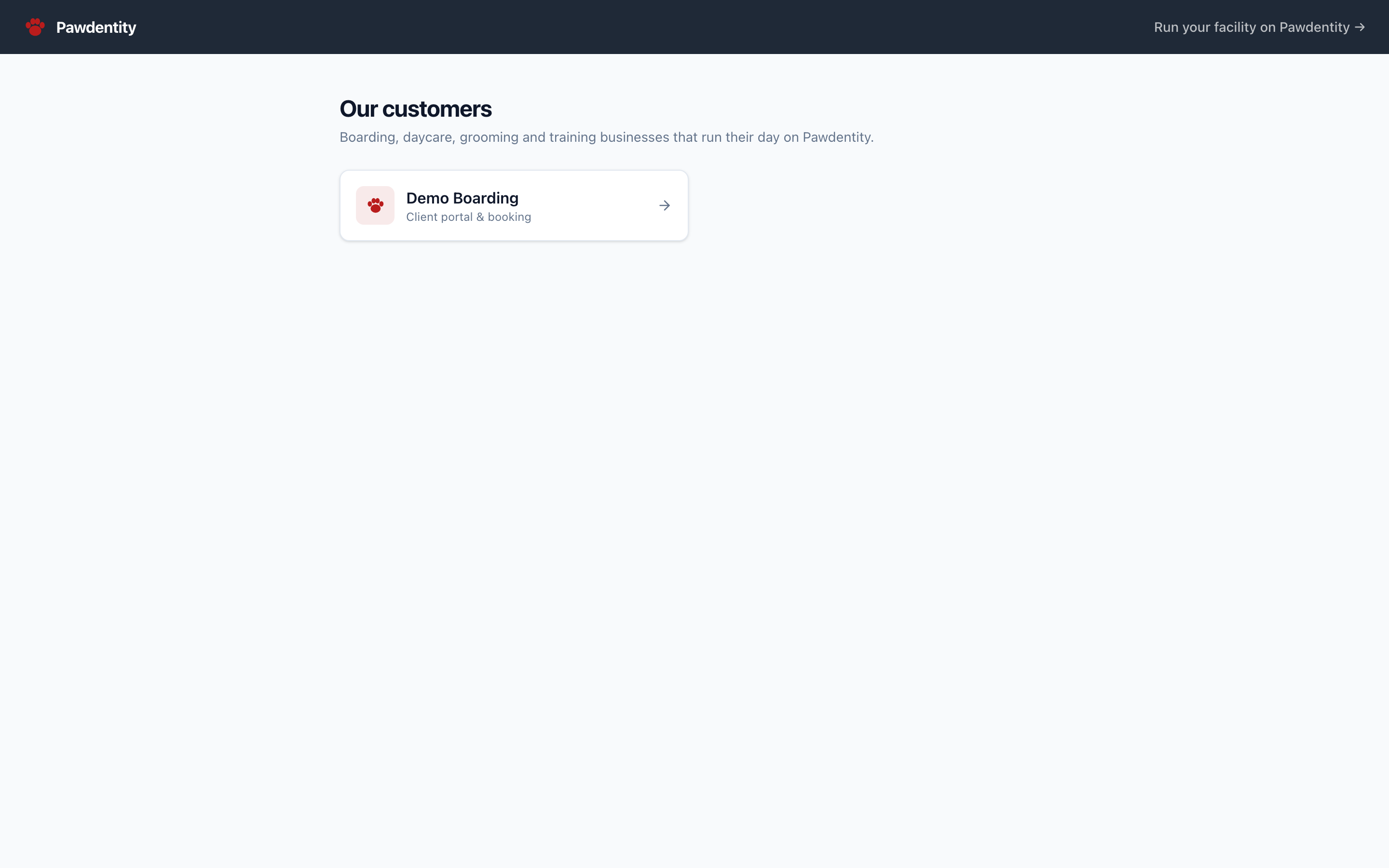
/our-customers | Public directory of active orgs (name, logo, accent color) linking to each portal | public |
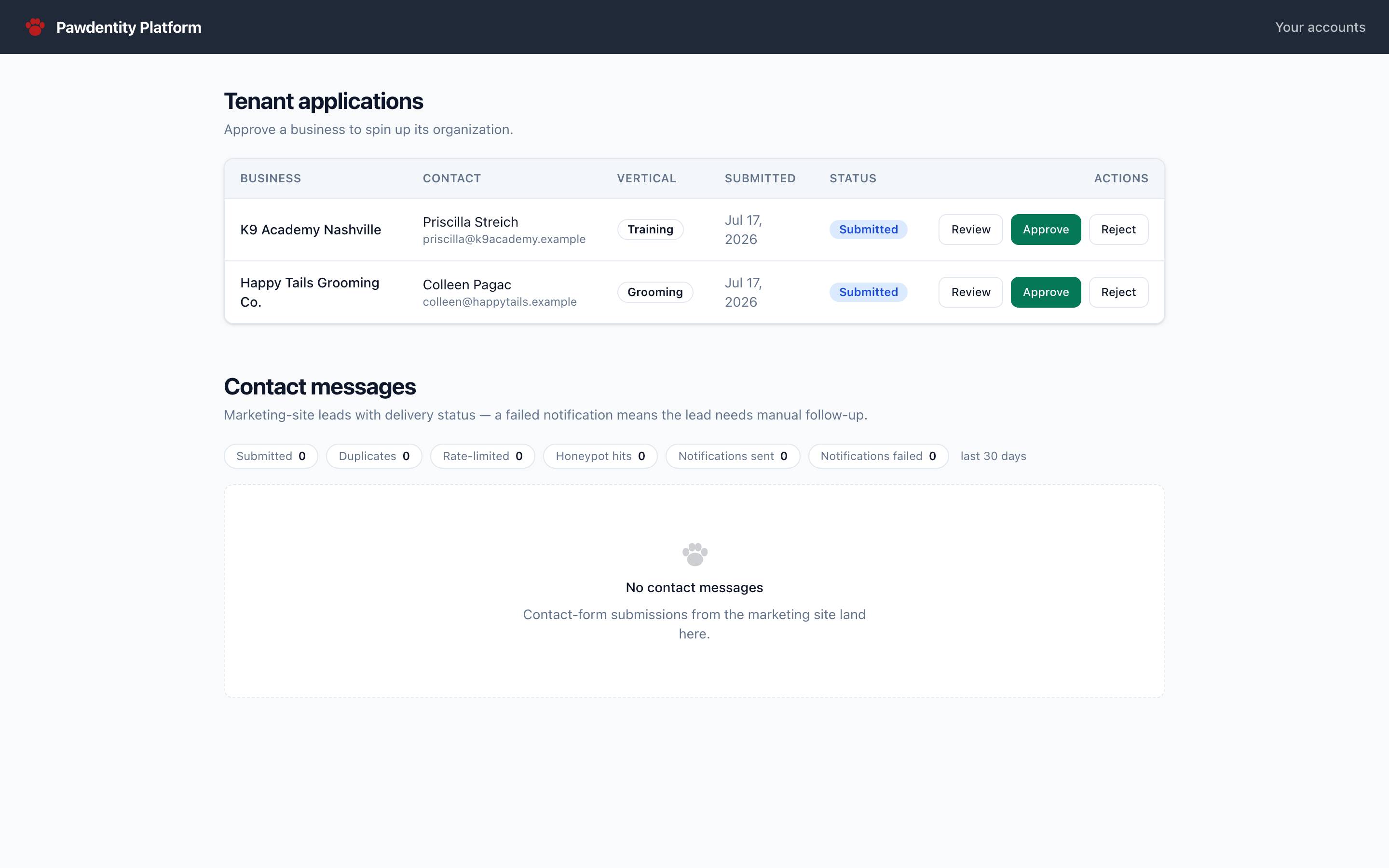
/platform | Landlord surface: review/approve/reject tenant applications; approval provisions an org | platform owners |
There is no marketing homepage in the product app — that's apps/website. Error handling is uniform: error boundaries map typed ConvexError codes to screens (UNAUTHENTICATED → login redirect, FORBIDDEN → 403 screen, ORG_NOT_FOUND/null results → 404 screen).
Org staff app — /o/[slug]/*
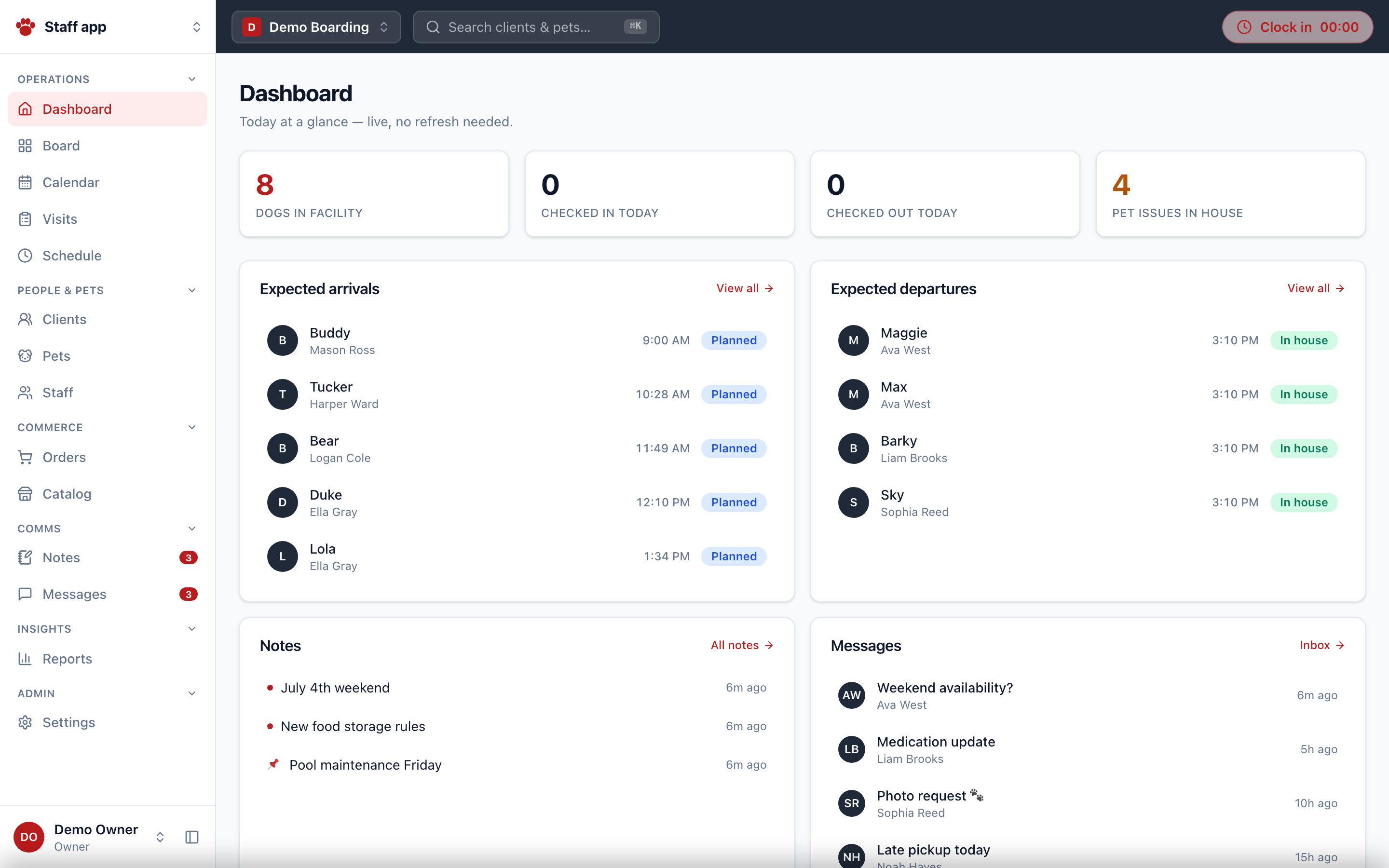
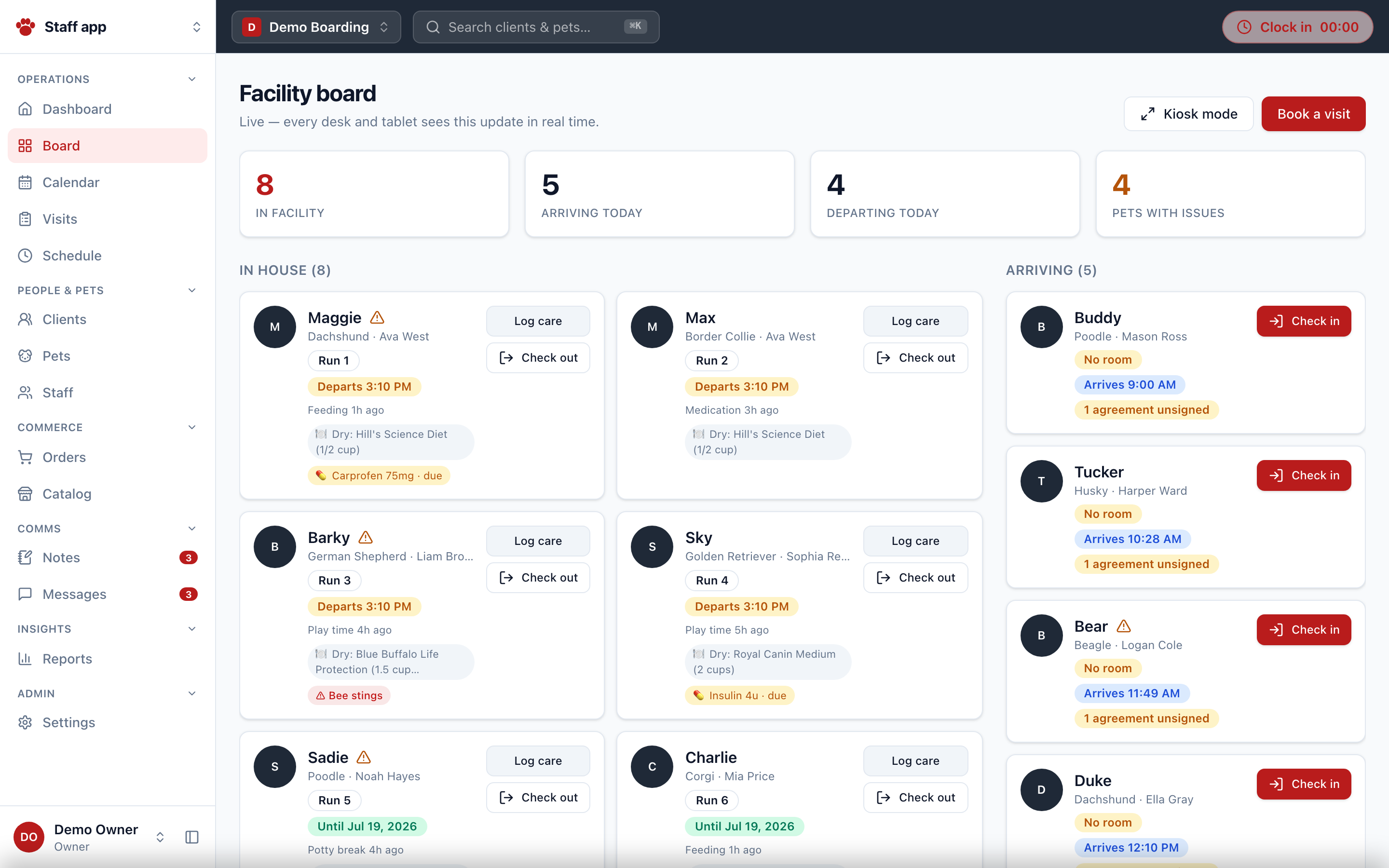
All wrapped by OrgLayout: fixed sidebar (role-filtered nav with live badge counts), charcoal header with global search (⌘K), location switcher (hidden with <2 locations), clock-in widget, and user menu. The portal route bypasses this shell entirely.
Operations
| Route | Purpose |
|---|---|
/dashboard | Today at a glance (live): in-facility / checked-in / checked-out / issue KPIs, arrivals & departures, recent notes & messages, clocked-in staff, today's shifts, HR row (approvals, missed punches, OT watch), upcoming birthdays |
/board | Live facility board / kiosk: rooms, in-house pets with care chips (issues, meds, feeding, allergies), arrivals with agreement + deposit prompts, recent checkouts, one-tap care logging, check-in/out |
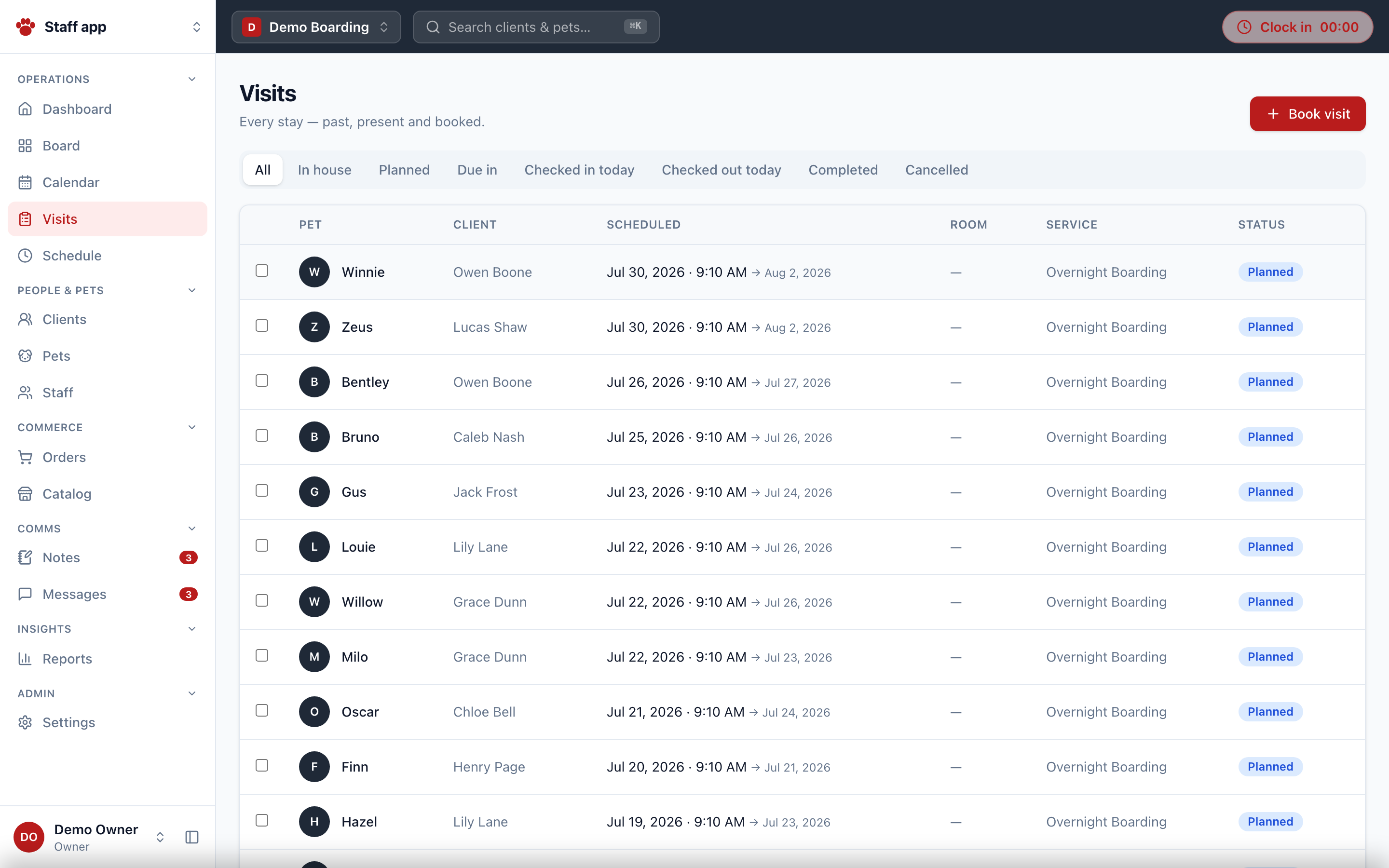
/visits | Visit list with status tabs via ?status= (All, In house, Planned, Due in, Checked-in/out today, Completed, Cancelled); bulk cancel |
/visits/new | Book a visit; accepts ?client= / ?pet= prefill; service selection applies default room + schedule style |
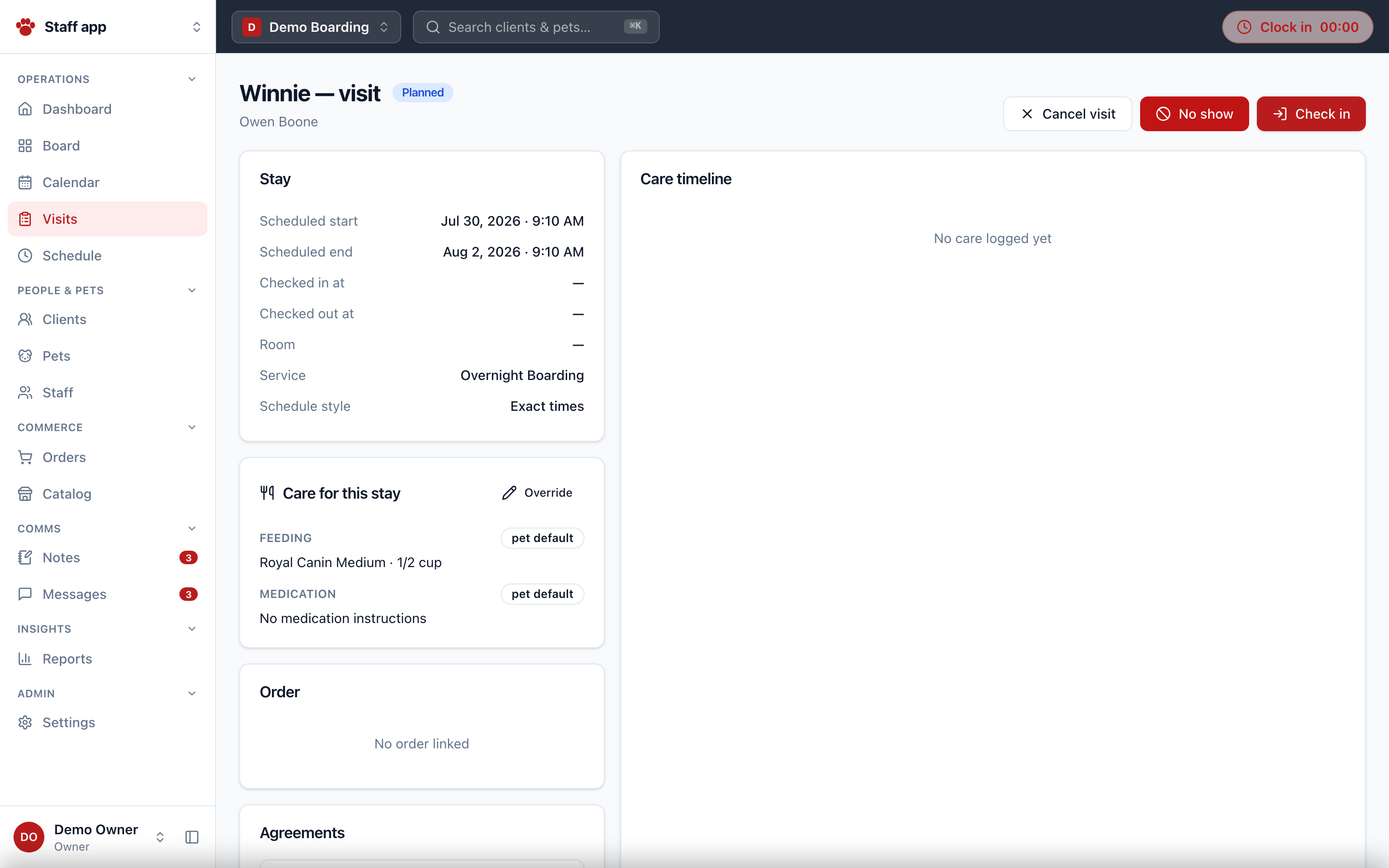
/visits/[id] | Visit detail: check-in (agreement gate + manager override), check-out, cancel, no-show, care log, linked order & deposit state |
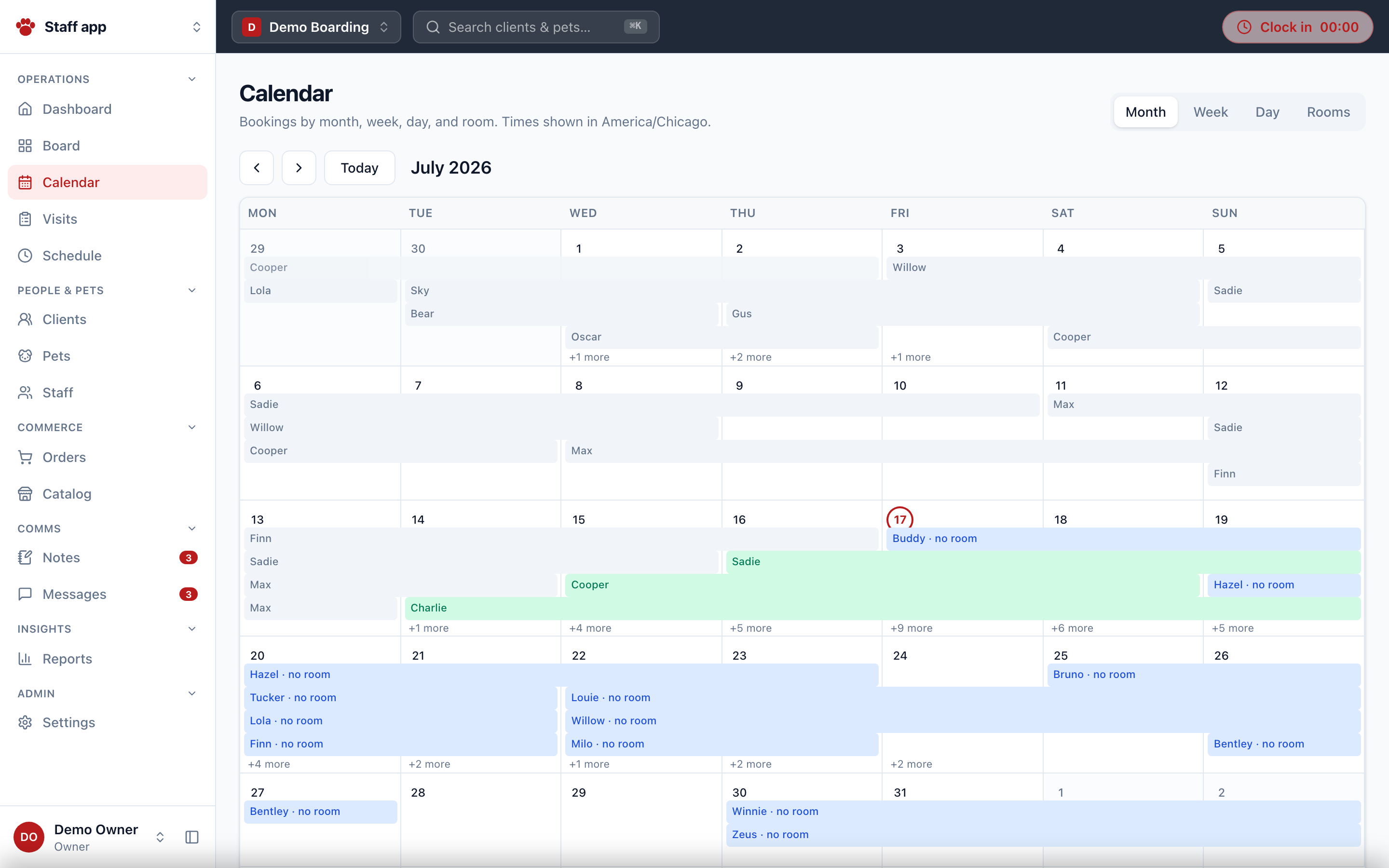
/calendar | Month / Week / Day (hour grid) / Rooms (14-day occupancy) views of visits |
/schedule | Weekly staff shift grid; managers upsert/remove shifts; overnight shifts roll over |
CRM
| Route | Purpose |
|---|---|
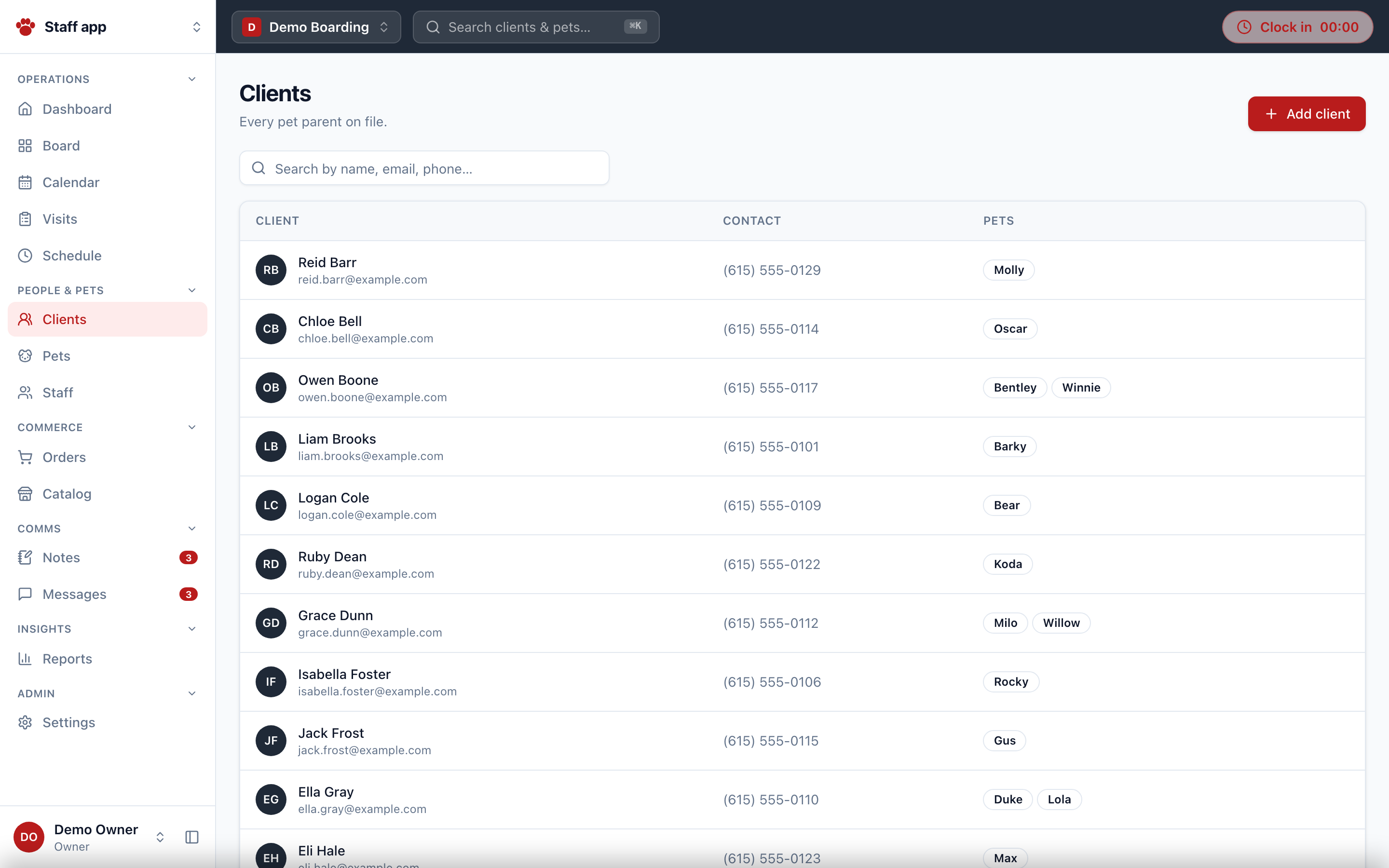
/clients | Paginated, searchable client list (cursor pagination, 50/page) |
/clients/new | Create client → redirects to detail |
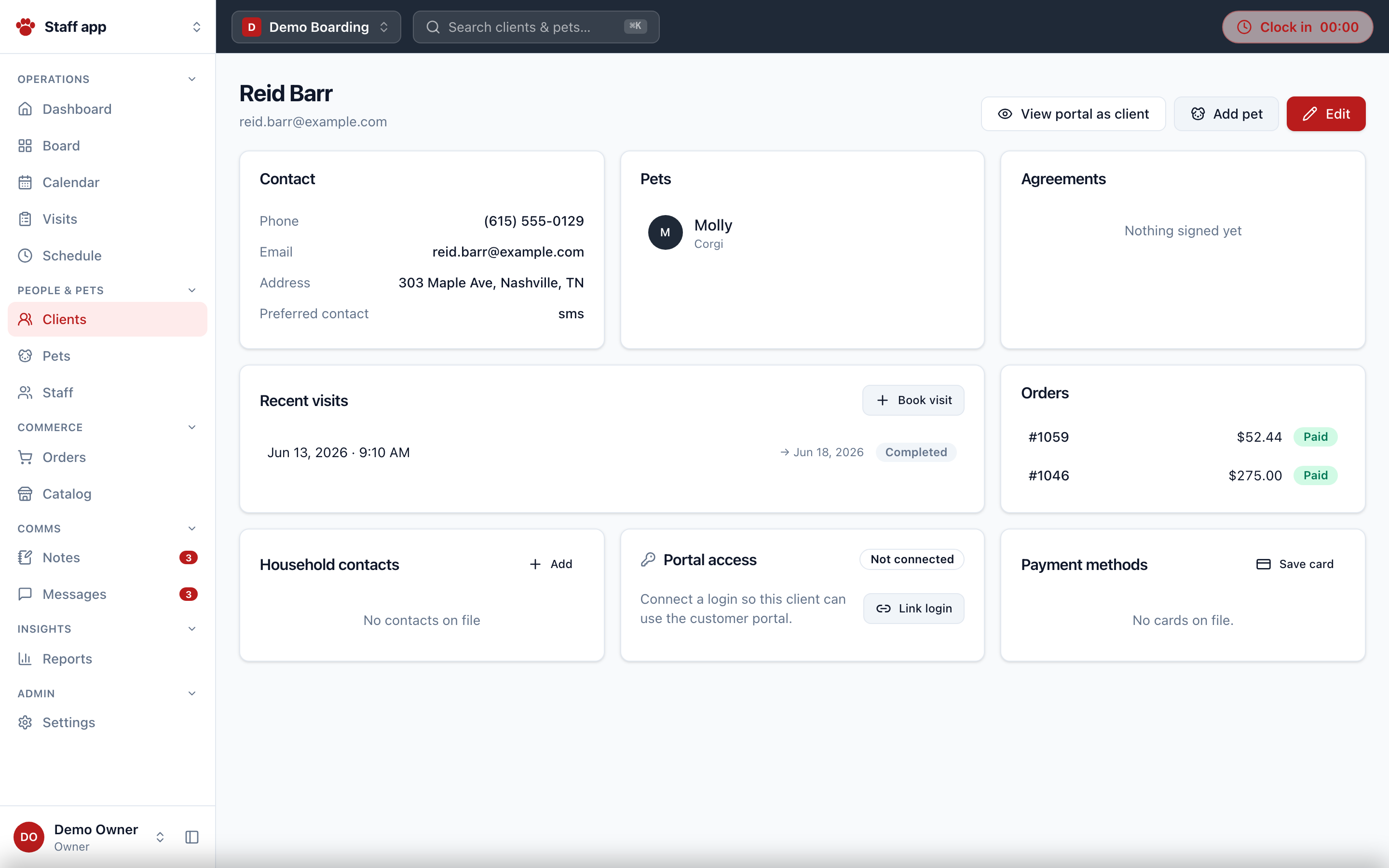
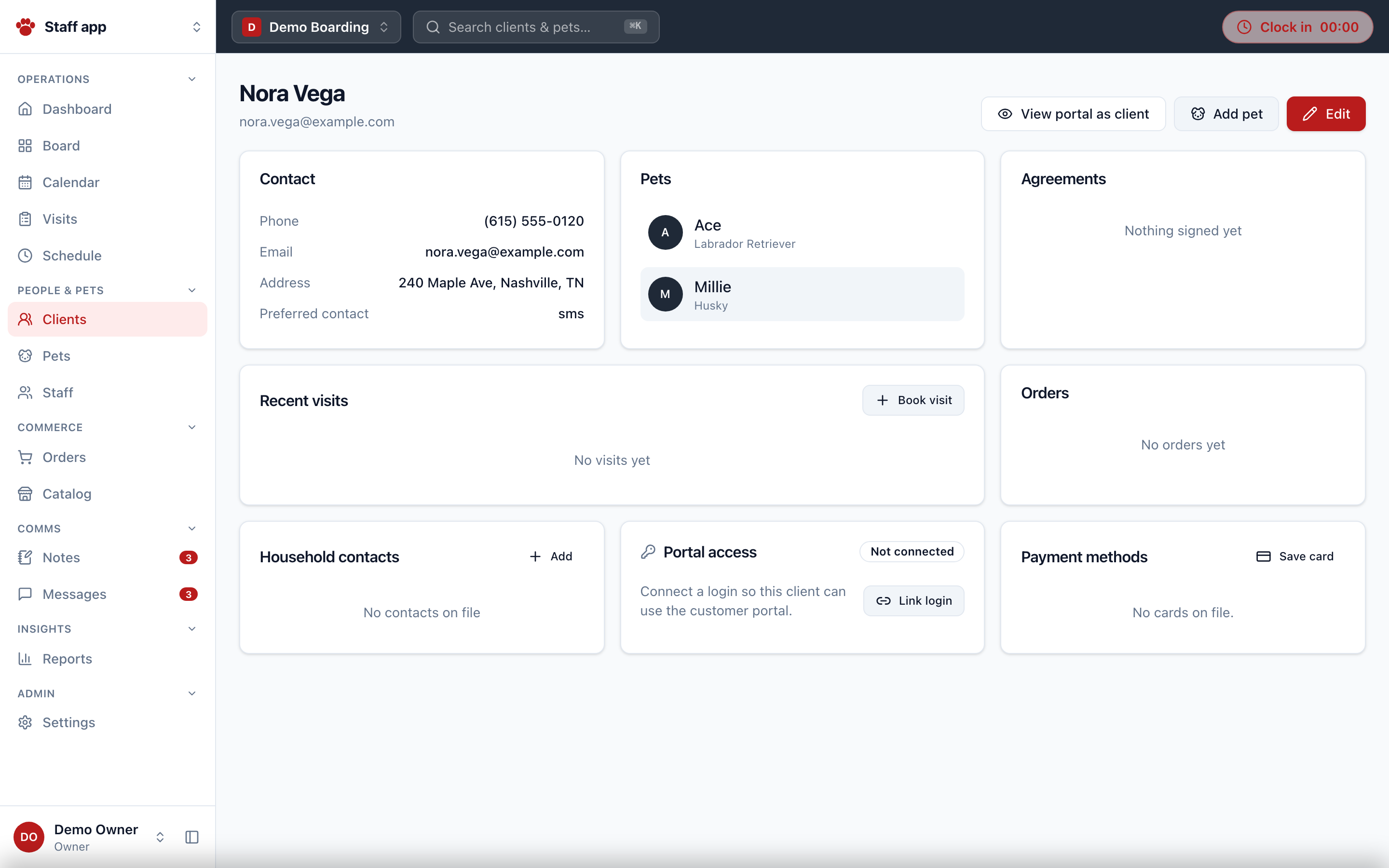
/clients/[id] | Client profile: contact, VIP badge (policy-masked), pets, visits, orders, signed agreements, payment methods, edit dialog, view-portal-as-client impersonation |
/pets | Paginated pet list with status filter (active / inactive / passed away / all) |
/pets/new | Create pet (accepts ?client=) → redirects to detail |
/pets/[id] | Pet profile: vaccines with expiry status, structured feeding spec, medication needs with last-dose, issues, documents, visit history, care timeline, photo gallery |
/messages | Thread inbox with unread counts; start new thread |
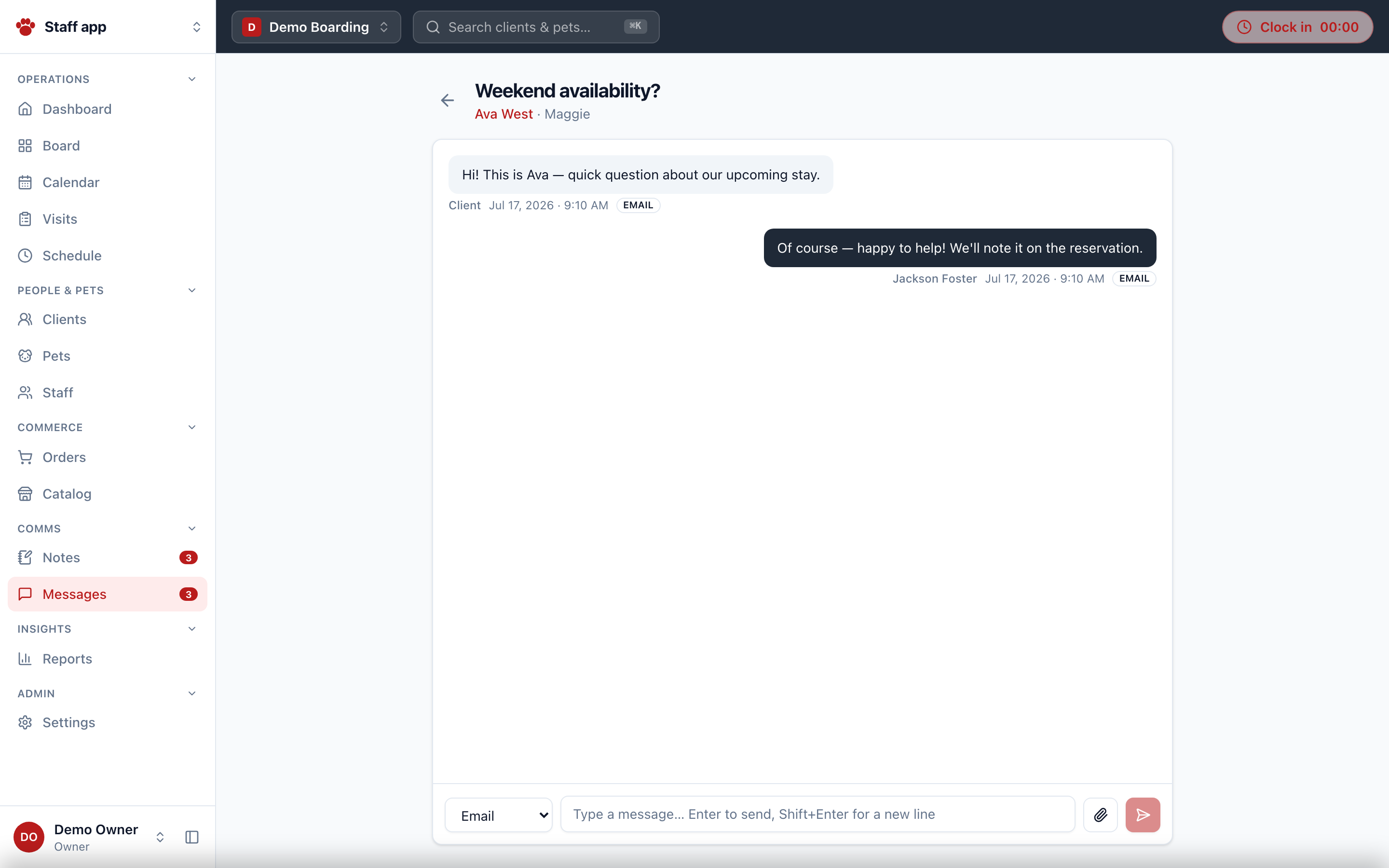
/messages/[id] | Conversation: send by email/SMS/in-app channel, attachments via storage upload, Enter-to-send, mark read |
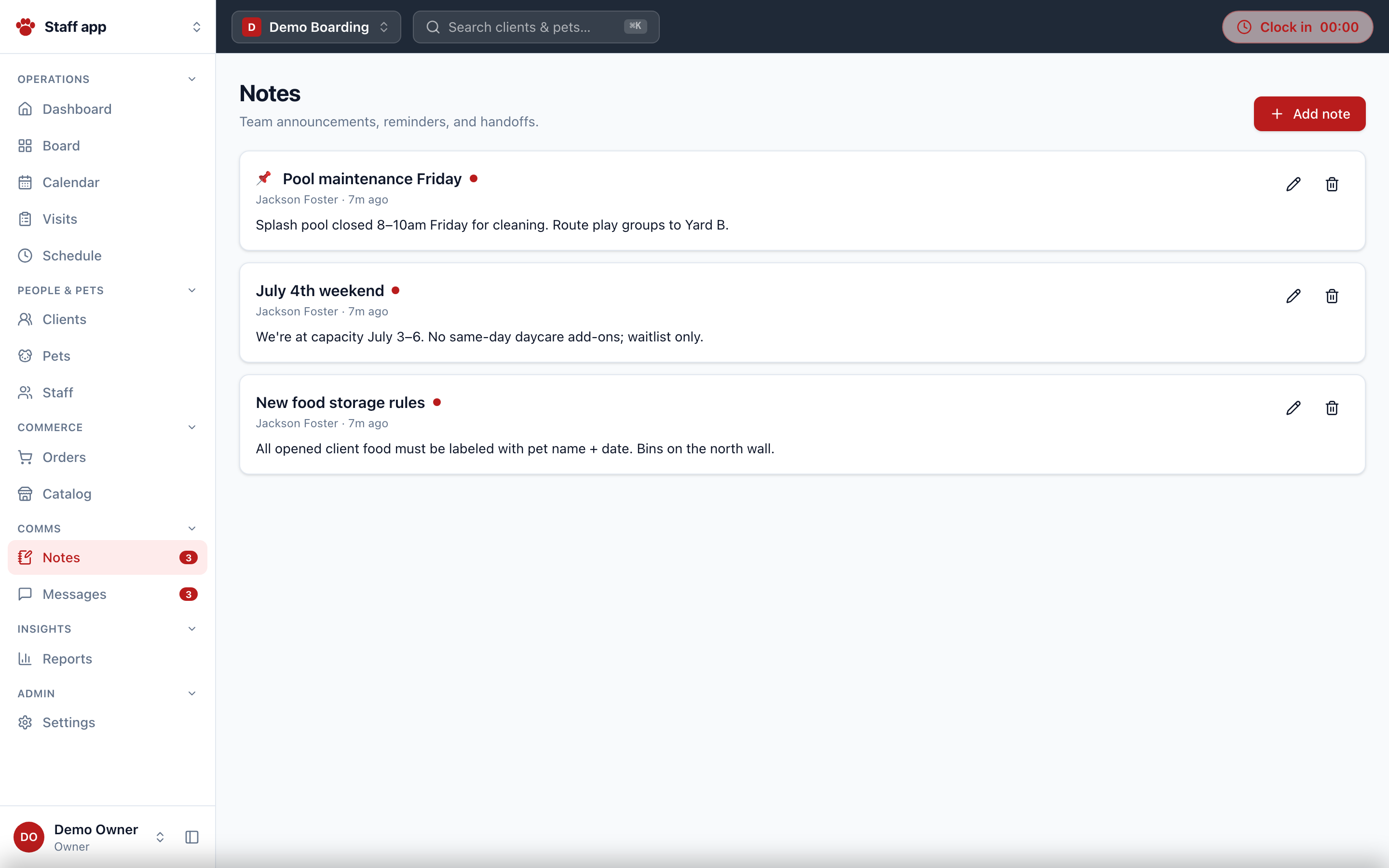
/notes | Internal team board: pinned notes, requires-acknowledgment receipts (x/y ack counter) |
Commerce
| Route | Purpose |
|---|---|
/orders | Order list with fulfillment tabs (?status=); bulk archive |
/orders/new | POS builder: line items (product optgroups by type, pet, qty), live subtotal, per-location tax, total |
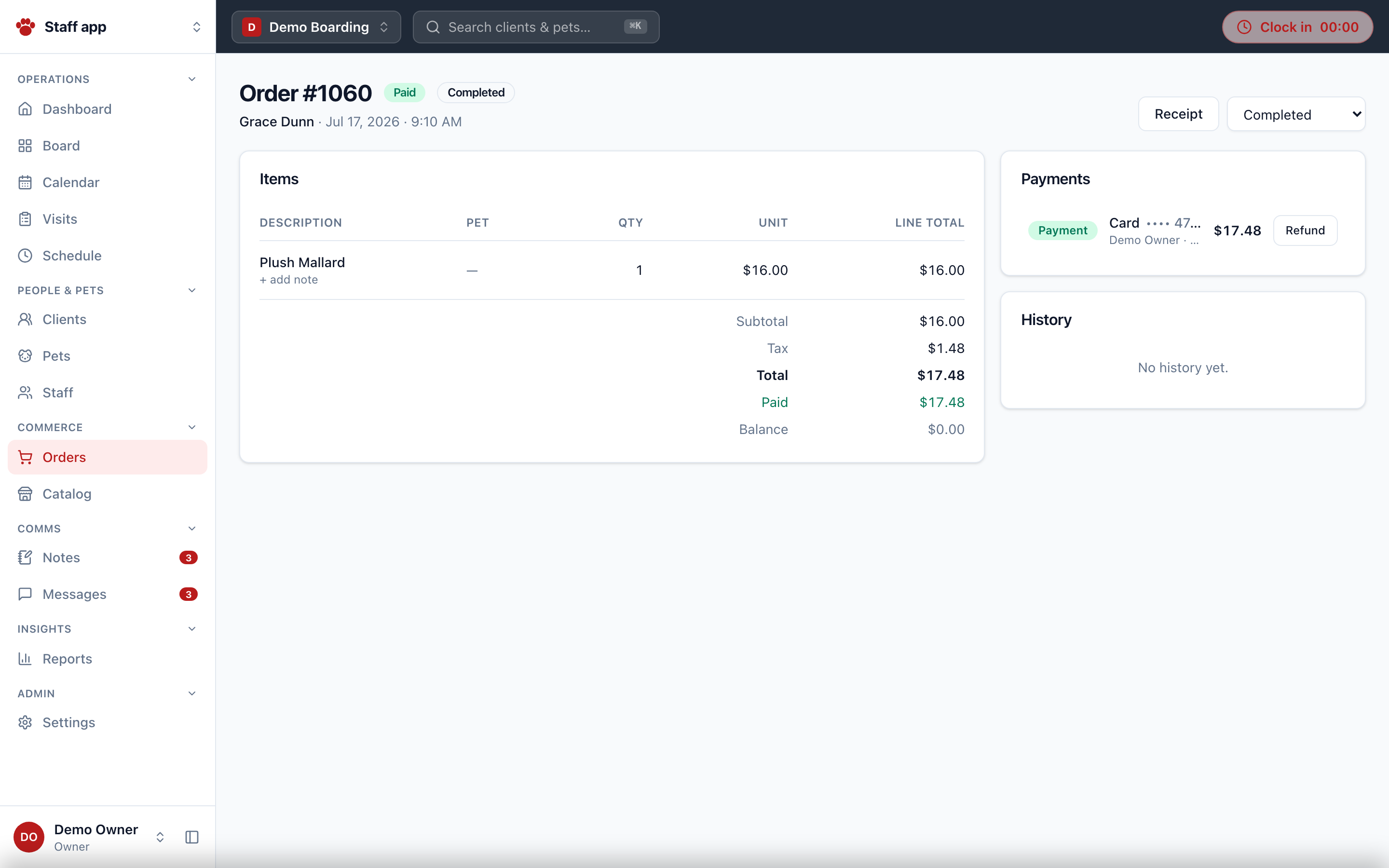
/orders/[id] | Order detail: fulfillment status, record payment (cash/card/bank/wallet), charge saved card, collect deposit, refund, pickup complete, per-item notes, payment + event history |
/orders/[id]/receipt | Printable receipt (print-to-PDF) |
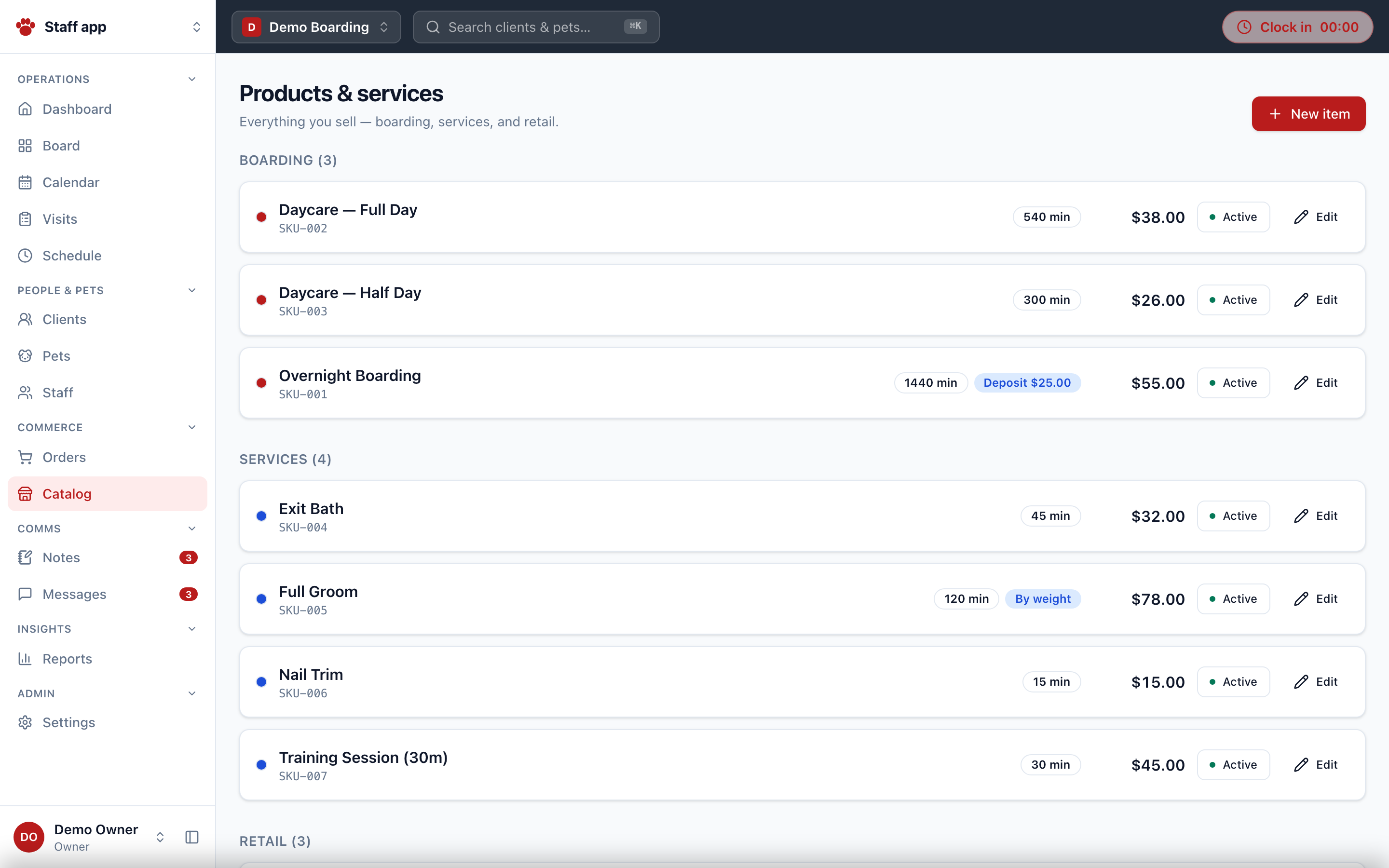
/catalog | Services / products / boarding catalog with pricing, deposits, retail inventory counts, colors, variants |

Staff & reports
| Route | Purpose | Min role |
|---|---|---|
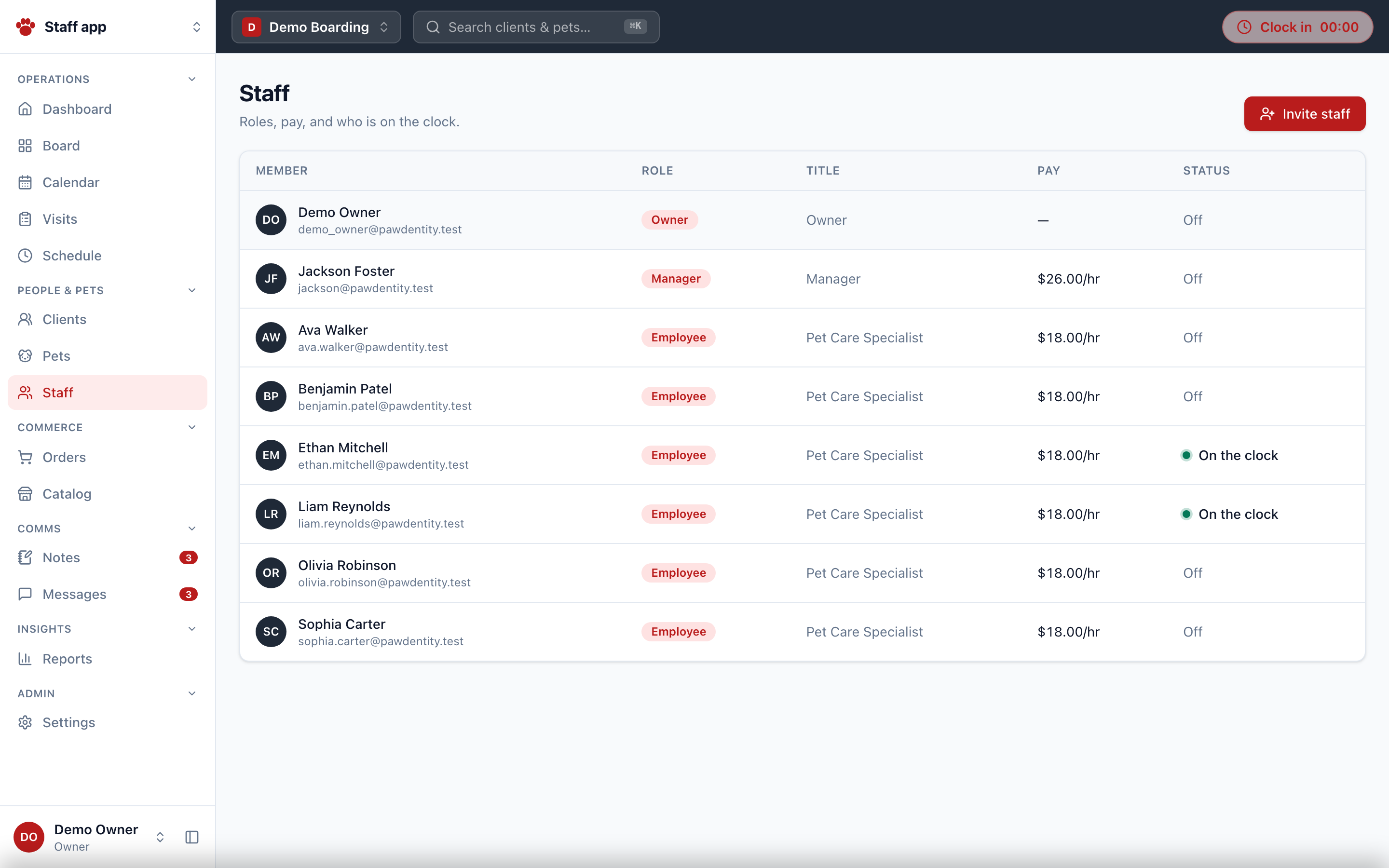
/staff | Roster with pay data and on-the-clock indicators; invite staff | owner |
/staff/[id] | Membership editor: role, title, pay type/rate, 4-digit PIN, active; approve time. Accepts literal id me | owner (self via me) |
/staff/[id]/hours | Timecard: date range, total/pending/open tiles, approve, edit entries | self, or staff.manage |
/reports | Index of the seven reports | employee |
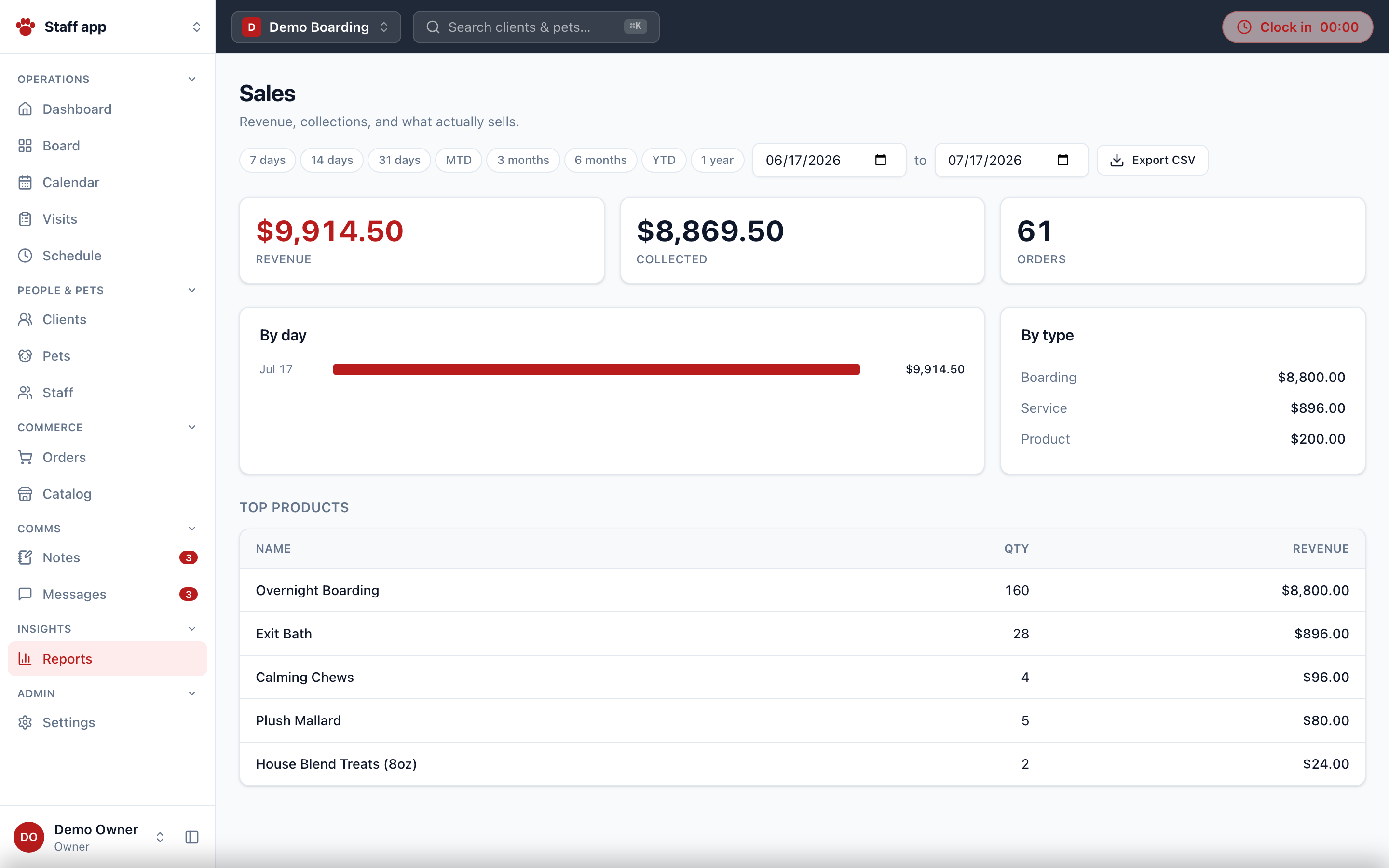
/reports/sales | Sales by day / type / top products, CSV export | employee |
/reports/transactions | Payment ledger: charged / refunded / net, by method | employee |
/reports/pets-clients | CRM health: top spenders, species mix, vaccines expiring in 60 days | employee |
/reports/time-clock | Per-staff worked/approved minutes | employee |
/reports/overtime | Weekly OT watch (>40h and approaching) | employee |
/reports/missed-punches | Open time entries older than 16 hours | employee |
/reports/readiness | Pre-arrival flags: balance due, no items, unsigned agreements | employee |
All range-based reports share RangePresets (7d/14d/31d/MTD/3mo/6mo/YTD/1yr) and client-side CSV export.

Settings — /settings (manager+)
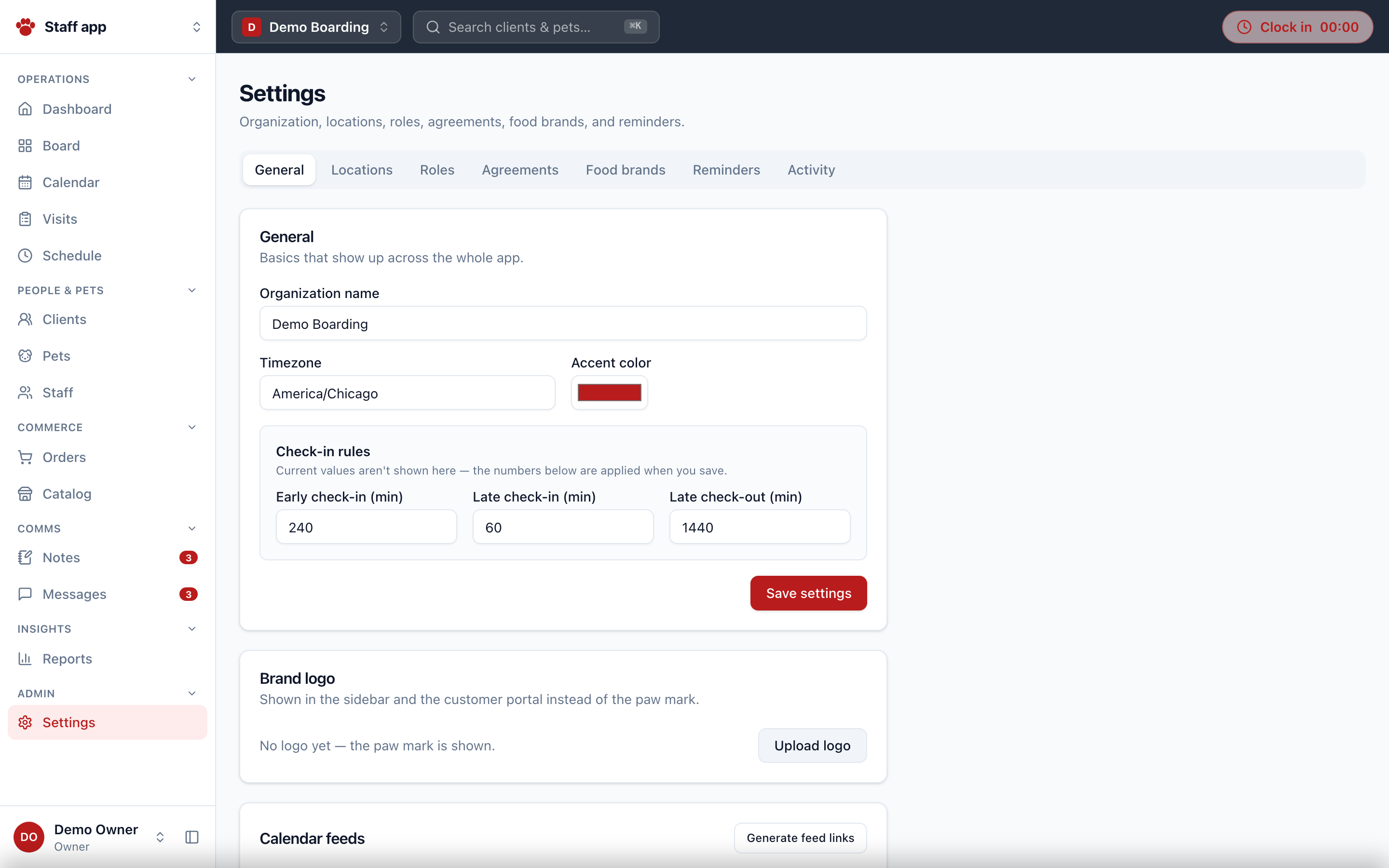
Six tabs, each backed by settings.manage-gated functions:
- General — org name, timezone, accent color, check-in/out windows, brand logo upload, ICS/JSON calendar feed links (per-user feed tokens).
- Locations — locations with hours and per-location tax rate (basis points); rooms (run / suite / room / grooming station) with capacity.
- Roles — the policy board: per-action minimum role with reset-to-default.
- Agreements — versioned by
seriesKey, append-only publishing, require-for-booking flag. - Food brands — curated dry/wet lists by species with priority ordering.
- Reminders — upcoming-visit / vaccine-expiry / agreement-missing rules: offset hours, channel, template.
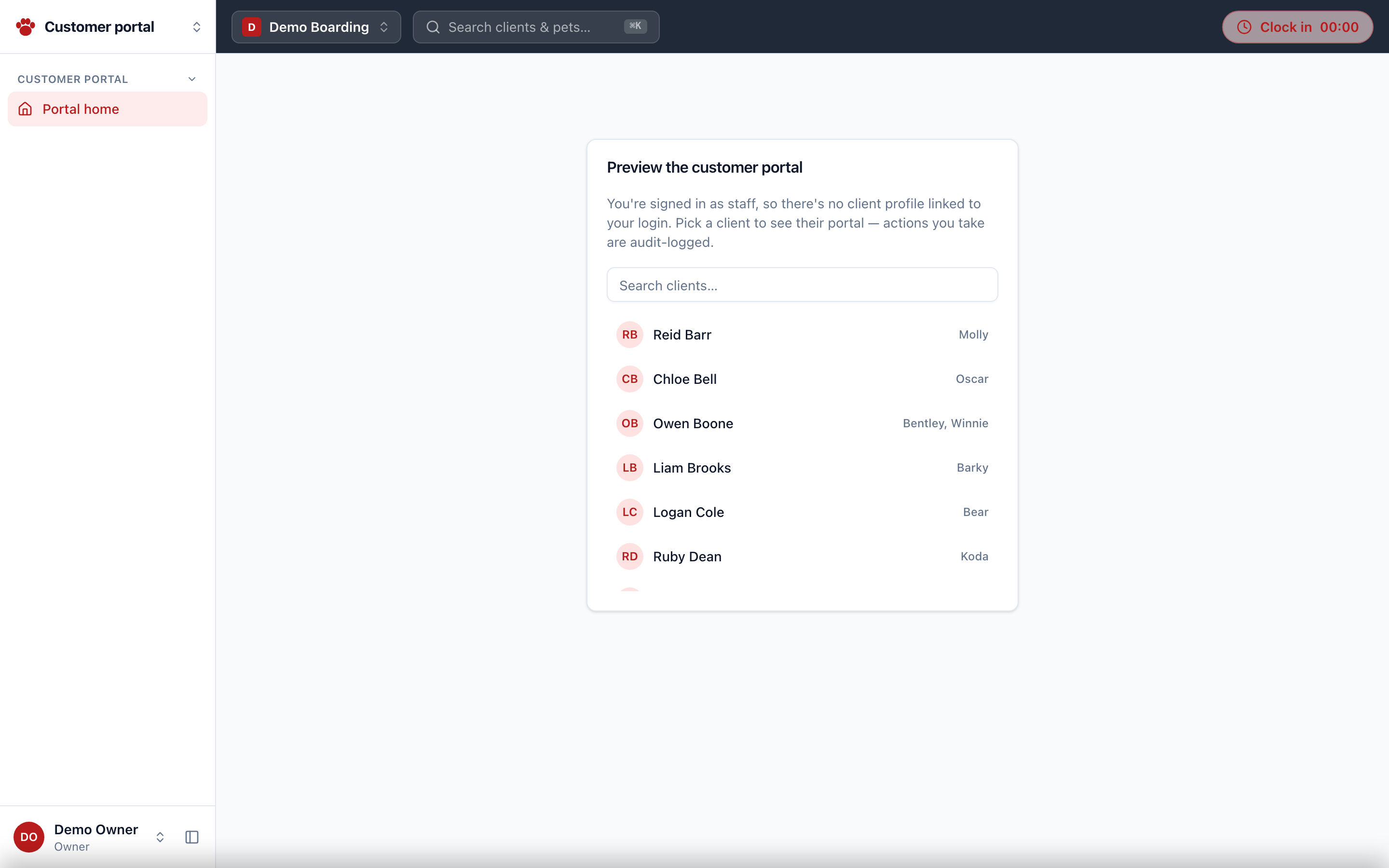
Customer portal — /portal
Renders without the staff shell. Pet parent overview: pets, upcoming stays, orders and balances, wallet, book & pay self-serve, sign agreements, upload vet records, message the desk. Staff open it in impersonation mode via ?as={clientId} (audit-logged, exit banner). Full detail: Client Portal.