Running Locally
The full v2 stack is four commands: install, backend, seed, web.
1. Install
cd v2
pnpm install
Requires Node 24+ and pnpm 10+ (the workspace pins pnpm@10.33.2 via packageManager).
2. Start the Convex local backend
cd v2/packages/backend
CONVEX_AGENT_MODE=anonymous npx convex dev
This runs a local Convex deployment at http://127.0.0.1:3210 (API) and :3211 (site) and pushes the schema + functions, watching for changes.
3. Seed demo data
In a second terminal, once the initial function push completes:
cd v2/packages/backend
npx convex run seed:run '{"force": true}'
force: true wipes and rebuilds the demo-boarding org deterministically (seeded PRNG mulberry32(20260712)): locations and rooms, staff users with memberships, catalog products, food brands, clients and pets, visits, orders, agreements with signatures, and reminder configs. Re-run it any time to reset.
4. Start the web app
cd v2/apps/web
pnpm dev          # → http://localhost:3200
The Convex URL defaults to http://127.0.0.1:3210; override with NEXT_PUBLIC_CONVEX_URL / NEXT_PUBLIC_CONVEX_SITE_URL if needed.
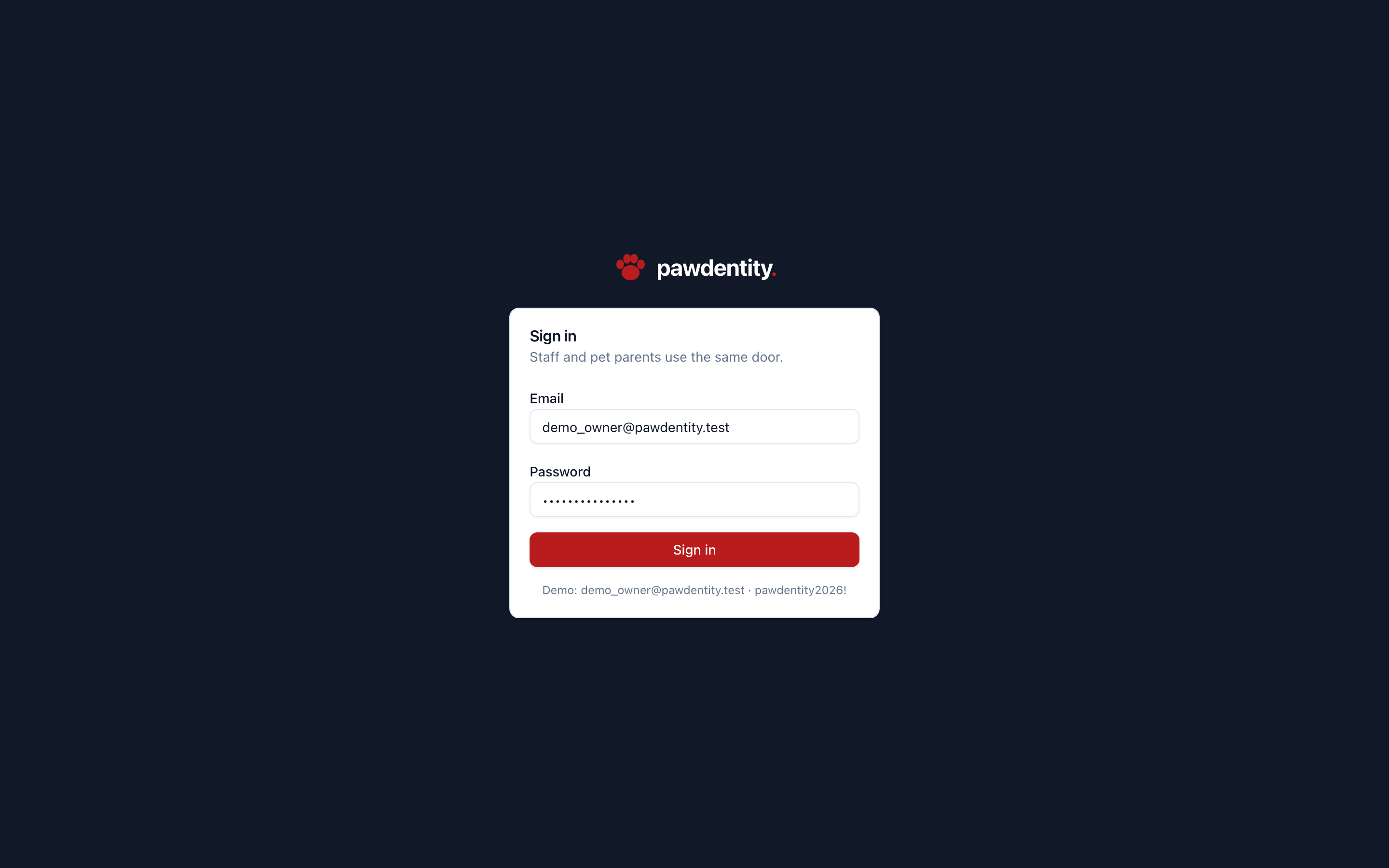
Sign in
| Persona | Password | |
|---|---|---|
| Owner | demo_owner@pawdentity.test | pawdentity2026! |
| Manager | jackson@pawdentity.test | Password123! (desk PIN 9174) |
| Employee | ethan.mitchell@pawdentity.test | Password123! |
| Pet parent (portal) | ava.west@example.com | Password123! |
Staff land on /accounts → pick Demo Boarding → /o/demo-boarding/dashboard. The pet parent lands in the customer portal.

Other apps
cd v2/apps/website && pnpm dev   # marketing site → http://localhost:3300
cd v2/apps/admin   && pnpm dev   # this console   → http://localhost:3400
Both are standalone — no backend required.
iOS app
cd v2/apps/ios
xcodegen generate      # produces Pawdentity.xcodeproj (not committed)
open Pawdentity.xcodeproj
Or headless: xcodebuild -project Pawdentity.xcodeproj -scheme Pawdentity -destination 'platform=iOS Simulator,name=iPhone 17 Pro' build. Demo launch args (-demo-signed-in, -demo-tab <0-4>, -demo-checkin) skip sign-in and deep-link into tabs; DEBUG builds only.
Running the test harness
# backend unit tests (authz suite, 27 cases)
cd v2/packages/backend && pnpm test

# Playwright probe + flows (needs backend seeded + web running)
cd tools/walkthrough           # repo root, shared with v1 video tooling
npm install && npx playwright install chromium
node v2-probe.mjs              # renders all 34 screens, fails on console errors
node v2-flows.mjs              # 14 end-to-end business flows
See Testing & Harness for what each flow covers.
Optional environment variables
| Variable | Used by | Effect |
|---|---|---|
STRIPE_SECRET_KEY | providers/stripe.ts | enables real Stripe vaulting/charges; otherwise PROVIDER_NOT_CONFIGURED |
RESEND_API_KEY | providers/email.ts | enables reminder emails; otherwise logs and no-ops |
EMAIL_FROM | providers/email.ts | from-domain for reminders (default reminders@pawdentity.com) |
Without these, payments use the dev/manual providers and reminders deliver in-app only — the full product works offline.